
Last updated November 15, 2026
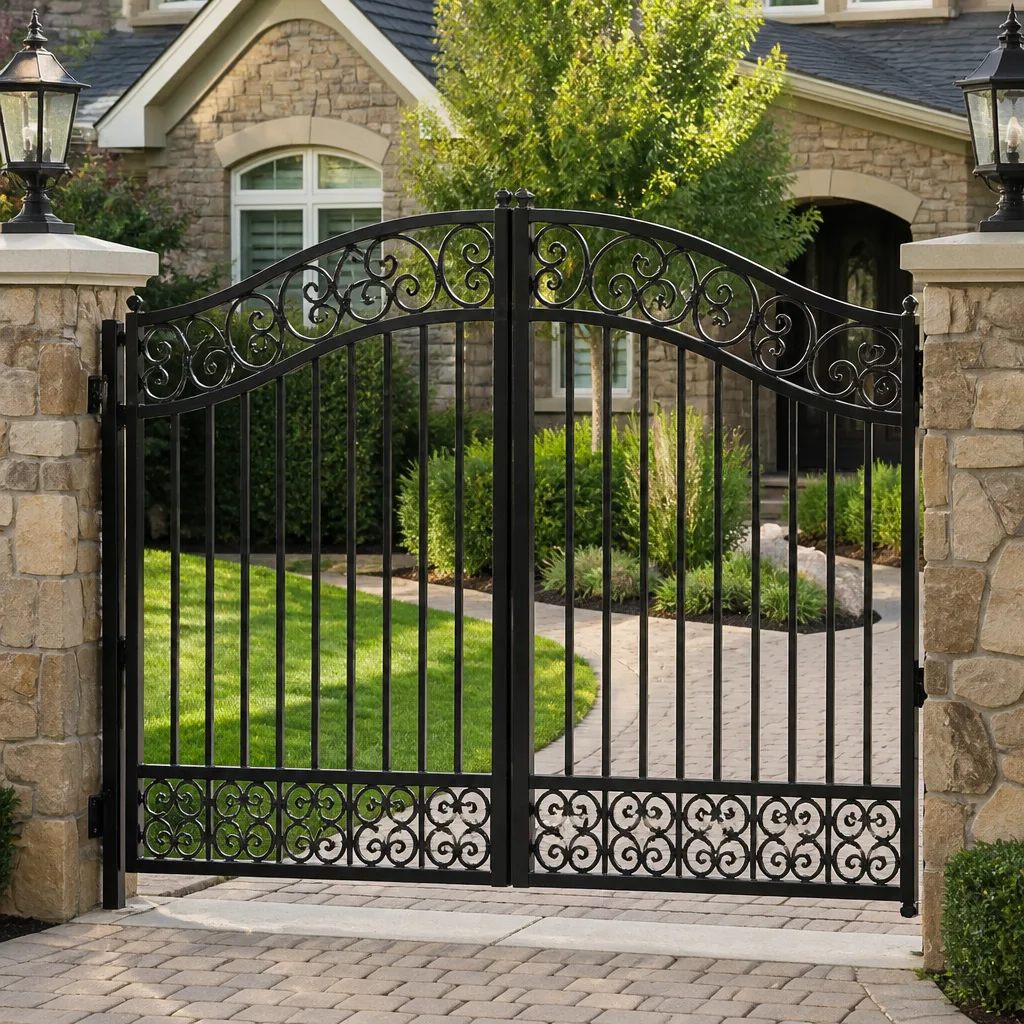 Wrought iron
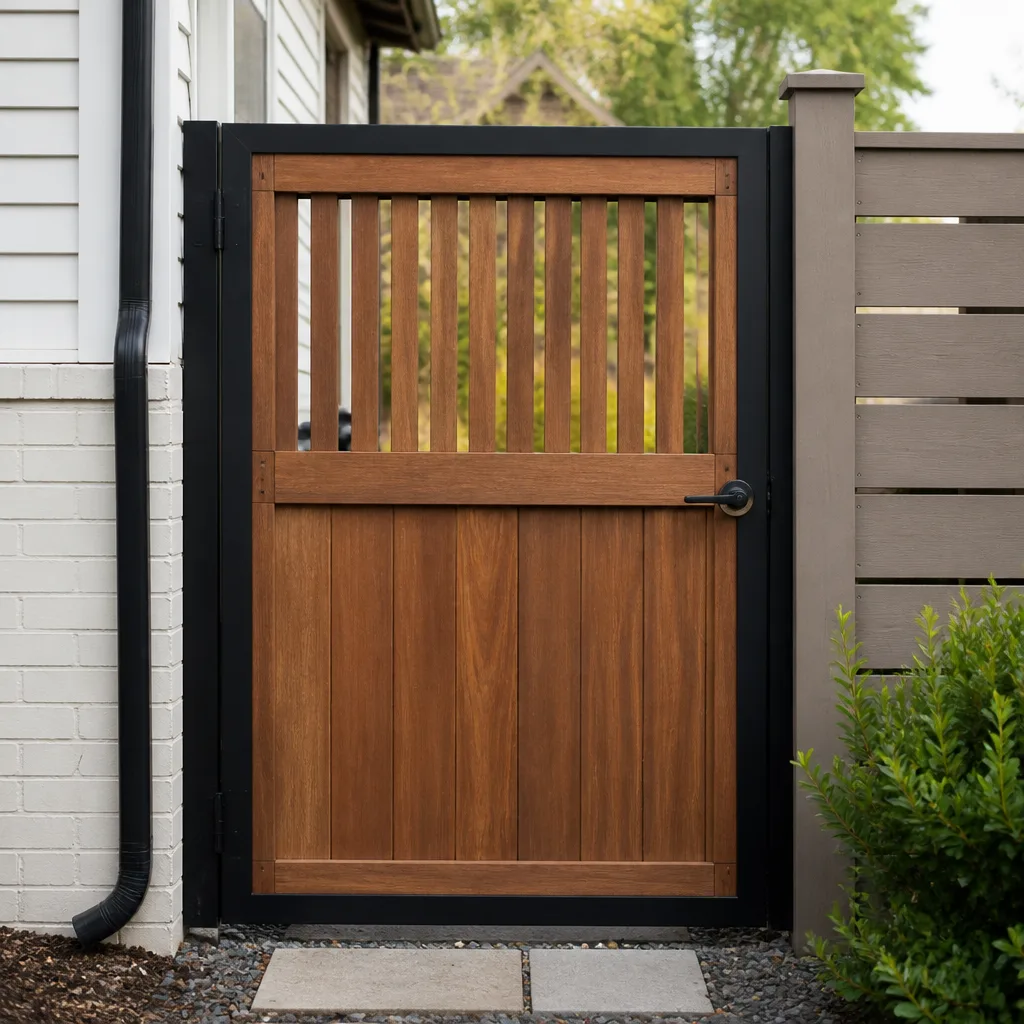 Wood & steel frame
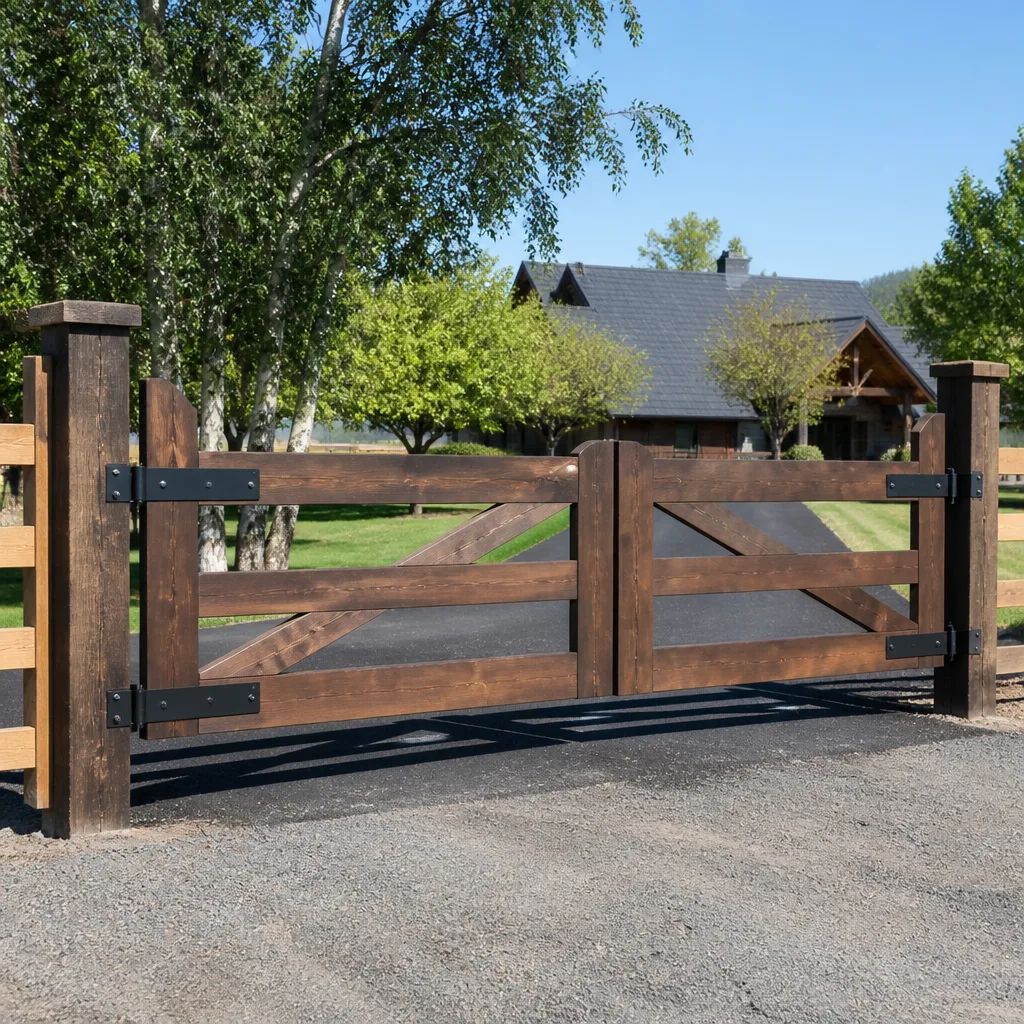 Farm & ranch
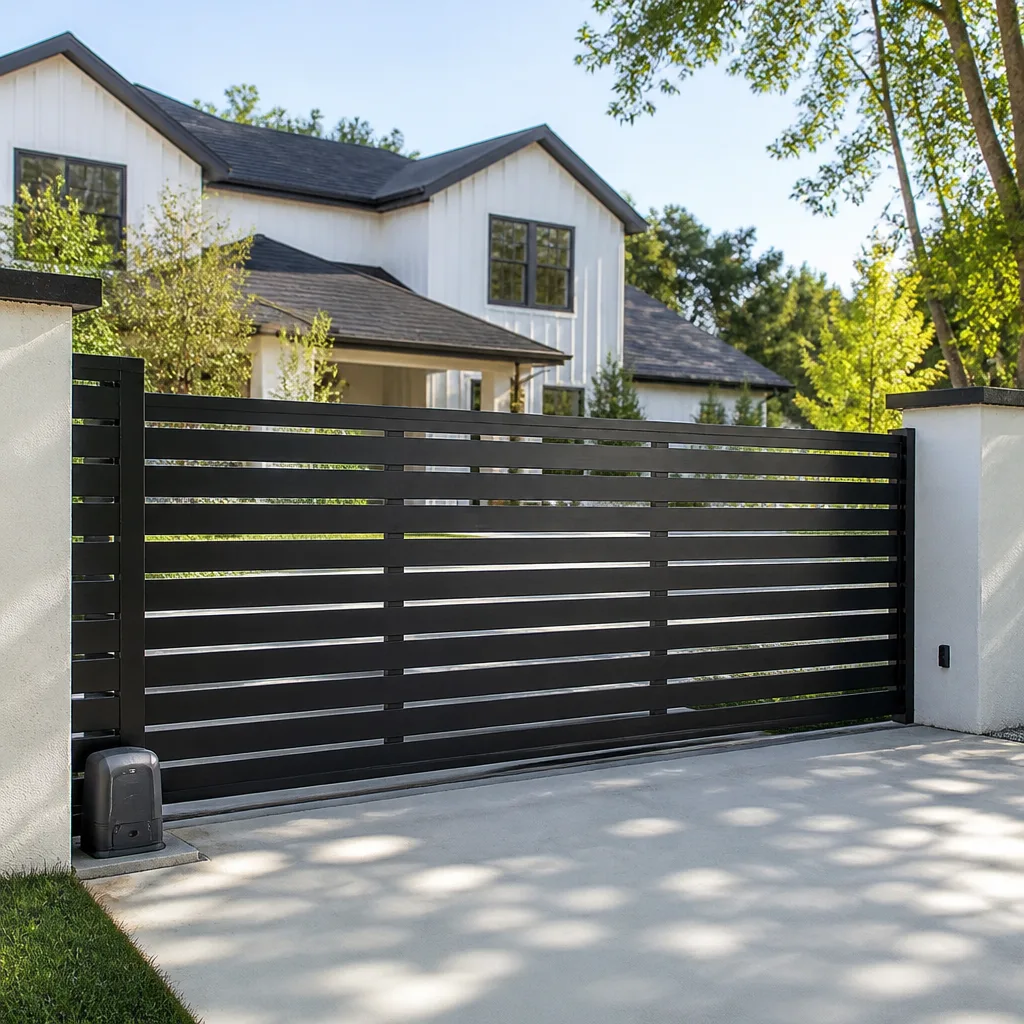 Sliding driveway gates
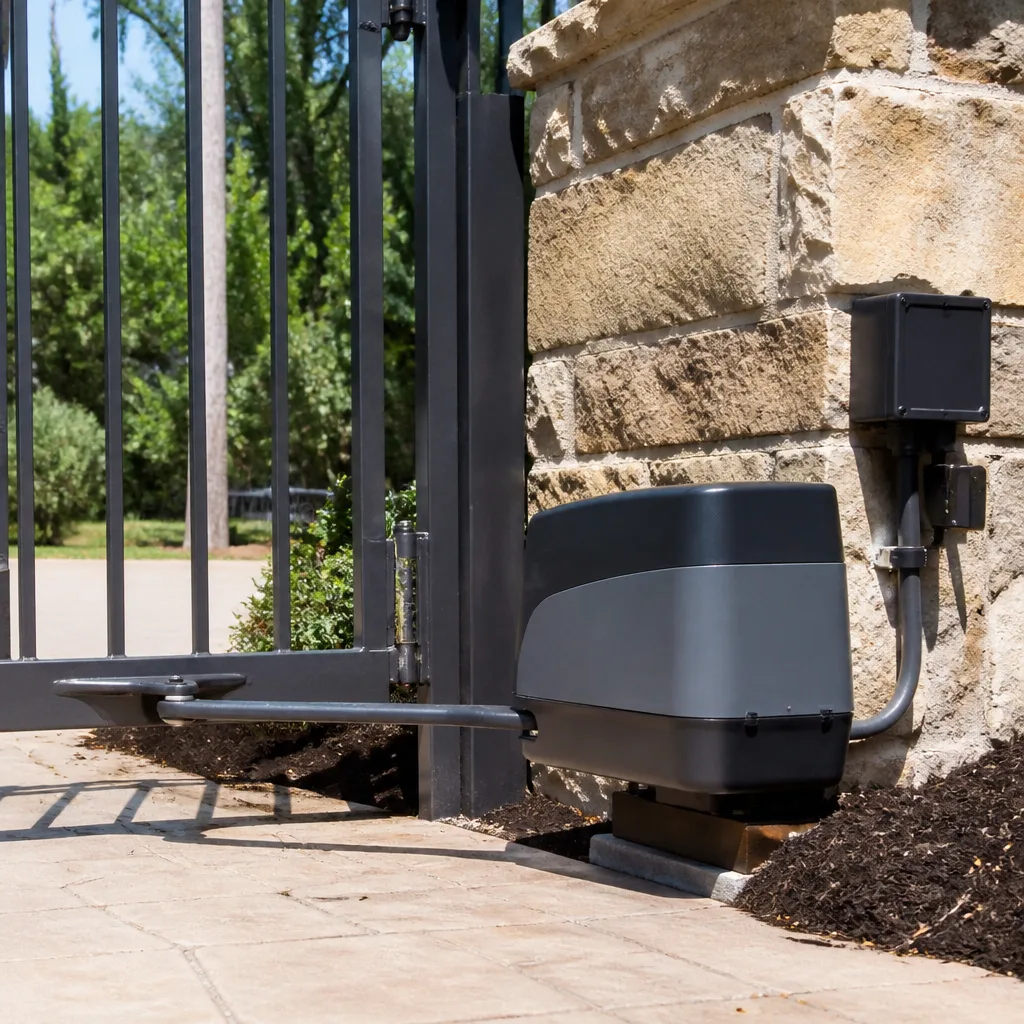 LiftMaster operators
Free on-site gate assessment - hinges, posts, and your LiftMaster or Nice gate operator checked before anything is quoted
The assessment is free and the quote is the invoice.
Get your free estimateGate Repair Troubleshooting in Roseville: Common Problems and How to Fix Them
Your gate isn’t just “broken” – it’s telling you something specific. A gate that stalls halfway through its travel, clicks once and goes quiet, or reverses at random is each a different message, and reading that message correctly before anyone touches a wrench is the difference between tightening a hinge bolt and replacing a drive motor. Most homeowners in Roseville treat every gate failure as one big problem called “the gate stopped.” This guide splits that problem into four root causes – mechanical wear, electrical failure, obstruction and sensor confusion, and operator programming drift – so you can name what’s happening, rule out the cheap fixes yourself, and know exactly when to stop and call. Along the way we’ll cover how Roseville’s clay-heavy soil and hot summers wear gates differently than milder climates do.
Quick Answer
Gate problems in Roseville usually trace back to one of four causes: worn mechanical parts (hinges, rollers, tracks), an electrical fault (wiring, battery, control board), a misaligned or dirty sensor, or an operator whose settings have drifted. A two-minute inspection of hinge gaps, track debris, battery voltage, and sensor alignment rules out most simple failures before a technician arrives. If the gate moves at all – slowly, partially, or with a stutter – the fault is usually mechanical or sensor-related and often a modest fix. If it’s completely dead or clicks without moving, suspect the electrical side first.
Styles & brands we work with
- Wrought iron
- Wood & steel frame
- Farm & ranch
- Sliding driveway gates
- LiftMaster operators
Table of Contents
- The Four Root Causes Behind Almost Every Gate Failure
- Reading Your Gate’s Behavior: What Each Symptom Actually Means
- How Roseville’s Soil and Summer Heat Wear Gates Differently
- How to Read the Control Board Indicator Lights
- The Two-Minute Inspection That Rules Out Most Service Calls
- When a DIY Reset Really Fixes It and When It Just Masks the Problem
- Manual Gates vs. Electric Gates: Different Troubleshooting Paths
- When to Stop Troubleshooting and Call a Technician
The Four Root Causes Behind Almost Every Gate Failure
Every gate that stops working in Roseville falls into one of four categories, and knowing which one you’re in is the fastest way to a correct diagnosis. This is the framework our technicians use on every call, whether the gate is a residential swing gate or a commercial slide gate at an HOA entrance.
Mechanical wear is the slow killer. Hinges loosen, rollers flatten, tracks fill with grit, and gate posts settle. Wear shows up as dragging, sagging, grinding, or a gate that needs a shove to get moving. It’s the most common category in Roseville because the soil and heat do mechanical parts no favors.
Electrical failure covers the whole power chain: the transformer, the wiring run, the battery backup, the receiver, and the control board itself. When the board fails or a wire corrodes, the gate behaves like it’s dead or possessed – clicking without moving, opening but not closing, or reversing unpredictably. Electric and automated systems are a primary discipline for us, not a side job, so this category is where brand knowledge matters most.
Obstruction and sensor confusion is the easiest to fix and the easiest to misdiagnose. Photo-eyes blocked by a leaf, a spider web, or a misaligned bracket will stop a gate mid-travel and send the operator into safety reverse. Homeowners often assume the motor is failing when the real culprit is a dirty lens.
Operator programming drift is the one almost nobody checks first. Control boards lose their travel limits, loop settings, or reverse sensitivity after a power surge or a dead backup battery. The gate thinks it’s doing the right thing; it just has the wrong instructions.
If you can name which category you’re dealing with, you’ve cut diagnosis time in half. When you’re not sure, our gate repair technicians work from symptom to test rather than guessing at parts.
Reading Your Gate’s Behavior: What Each Symptom Actually Means
The behavior is the diagnostic signal. Here’s the behavior-to-cause map we use on nearly every call, from established Roseville neighborhoods to newer commercial properties along the corridors.
- Slow movement or sluggish travel: usually mechanical resistance – a dry hinge, a flattened roller, or a track packed with grit – or a failing battery that can’t deliver full current. If it’s slow only on warm afternoons, suspect a weakening motor or a battery on its way out.
- Partial open, then stops: a travel-limit setting that drifted, or an obstruction the board interprets as a stall. The gate reaches the point where resistance peaks and the operator gives up.
- Clicking with no movement: almost always electrical. A relay clicks on the board, power never reaches the motor, and you hear the attempt but see no action. Battery, wiring run, or board.
- Random reversals: sensor confusion or reverse-sensitivity set too high. A photo-eye that’s marginally misaligned or a board that lost its settings will reverse the gate for no apparent reason.
- Gate sags or drags at the latch end: a settled post or a worn hinge – mechanical, and the longer you wait the more the operator has to fight it.
- Remote works intermittently: a failing receiver, a weak battery in the remote, or interference. On multi-user systems like DoorKing or LiftMaster access setups, it can also be a programming issue at the receiver.
Notice that none of these symptoms point to “replace the whole gate.” The vast majority of what we diagnose in Roseville is a component fix, not a full replacement. Reading the symptom correctly is the whole game, and it’s why a gate that moves at all tells us far more than one that doesn’t.
How Roseville’s Soil and Summer Heat Wear Gates Differently
Roseville’s clay-heavy soil and hot summers are hard on gates in ways that don’t show up in milder climates, and it affects how we troubleshoot here. The clay is the bigger issue. Clay swells when it’s wet and shrinks when it dries, and that seasonal movement works on gate posts and mounting brackets year after year. A post that shifts even a fraction of an inch throws a slide gate off its track and pulls a swing gate’s hinges out of square. That’s why so many Roseville gate problems look like operator failures but trace back to a post that has moved.
The summer heat compounds it. Metal expands, hinges and rollers run hotter and drier, and lubrication burns off faster. On a 100-degree afternoon, a hinge that was borderline in spring will start binding, and a battery that was weak will drop below the voltage the operator needs. Homeowners often notice the gate acting up first in the hottest weeks, then assume it “fixed itself” when the weather cools – it didn’t. The underlying wear is still there, just less stressed.
What this means in practice:
- Photo-eye misalignment shows up more here because ground movement shifts the brackets that hold the sensors in line. A photo-eye isn’t broken – it’s just been nudged out of aim by the earth beneath it.
- Hinge wear accelerates because clay movement stresses the hinge every time the soil shifts, and heat dries out whatever lubrication is left.
- Battery and board faults get blamed on the motor when the real problem is a backup battery that can’t hold a charge through a hot season.
The fix for soil-driven problems is often a matter of correcting alignment and footing rather than replacing hardware. When we diagnose a gate in Roseville, we check the ground before we check the motor, because the ground is usually where the story starts.
How to Read the Control Board Indicator Lights
Before you touch anything else, look at the control board. Most operators – LiftMaster, DoorKing, Elite, and the rest – share a similar diagnostic approach: a small set of indicator LEDs that flash in patterns and a fault code the board stores when the gate stops. Those lights are the operator telling you where it hurt. Reading them before you reset anything saves a lot of guesswork.
Here’s the sequence we recommend, and it’s the same one our electric gate repair technicians run on arrival:
- Find the board inside the operator housing (or the control enclosure for larger systems). Power down before you open any panel; the board and the wiring run carry live current.
- Identify the status light. One LED usually blinks a steady on-off pattern when the system is normal, and changes to a different rhythm when a fault is stored. On many boards, a specific number of blinks corresponds to a fault category like a limit error, a photo-eye fault, or a motor overload.
- Match the blink pattern to the manual. Every brand documents its fault codes in its operator manual. A blink sequence that means “photo-eye” on one board can mean something else on another, so the manual is the only reliable decoder. Don’t guess – confirm.
- Note the fault before you reset. Clearing a fault wipes the code. Write down the blink pattern first, so if the problem returns (and a masked electrical fault always returns) you have a baseline.
- Resist the urge to swap parts. A fault code points at a system, not a specific component. Throwing a new board at a wiring fault wastes money and doesn’t fix the gate.
This is where brand familiarity pays off. Reading a board on a DoorKing access system takes different logic than reading one on a residential Mighty Mule, and we work on both every week. Working from the board’s own message instead of swapping parts blindly is the difference between a fast fix and a slow, expensive guess.
The Two-Minute Inspection That Rules Out Most Service Calls
Before you call anyone, run this inspection. In our experience it rules out a large share of the service calls we’d otherwise make in Roseville, because the answer is usually something simple – a hinge bolt, a bit of grit, or a sensor that’s a hair out of line. It won’t fix a failed board or a dead motor, but it tells you which category you’re in.
- Hinge gap check (30 seconds). Walk the gate and look at the gap between each hinge and the gate frame. A gap that’s visibly wider than the others means a worn hinge or a post that’s moved. Grab the gate at the latch end and try to lift it – any slop means the hinges or the post need attention.
- Track and roller debris check (30 seconds). On a slide gate, run your eye along the track. Grit, leaves, and small stones jam rollers; on a wheeled gate, a packed track makes the motor work harder and can throw safety reverse. Clear what you can see without getting your hands near the moving parts.
- Battery voltage check (30 seconds). If you have a multimeter, check the backup battery. A battery that reads noticeably below its rated voltage can’t carry the gate through a power loss and can cause stalling, slow travel, or board resets. A battery that won’t hold a charge needs replacing, not recharging.
- Sensor alignment check (30 seconds). Look at your photo-eyes. Are the two lenses aimed at each other? Is there a leaf, spider web, or dirt on either one? A quick clean and a visual check costs nothing and fixes a surprising number of “the gate won’t close” calls.
That’s two minutes. If all four check out and the gate still misbehaves, you’re into electrical or programming territory, and that’s where a technician earns their keep. If one of the four is obviously off, you’ve just named the problem and saved yourself a diagnostic visit.
When a DIY Reset Really Fixes It and When It Just Masks the Problem
A reset is a real fix sometimes and a dangerous delay other times, and the difference is whether the underlying fault is transient or physical. The honest answer: a reset fixes programming drift and transient faults, and it does nothing for a failing component.
A reset is the right move when: the gate lost its travel limits after a power surge or an extended outage; the operator is behaving normally mechanically but acting confused about where to stop; or a fault code points to a setting rather than a part. Reloading the limits or cycling the power on the board is legitimate troubleshooting, and on many systems it clears the drift that caused the problem.
A reset is the wrong move when: the gate honors its limits after the reset but comes back to the same fault within a day or two; the fault code points to a motor, a photo-eye, or a wiring run; or the gate feels different – heavier, slower, or rougher – than it did before. A reset in those cases doesn’t fix anything. It hides the fault, resets the error counter, and sends you back to square one the next time the gate fails, with less information than you had before. Worse, a reset can mask a worsening electrical fault long enough for the gate to fail in a genuinely unsafe way – a gate that closes on an obstruction because reverse sensitivity was never actually right.
The rule we give Roseville homeowners: reset once to rule out drift. If the same symptom returns, don’t reset again – the gate is telling you something a reset can’t answer. That pattern is the gateway into real electrical diagnosis, and it’s the point where calling in a specialist saves both money and risk. A board, a motor, or a wiring fault is not a homeowner fix.
Manual Gates vs. Electric Gates: Different Troubleshooting Paths
Manual and electric gates fail in different ways, and treating them the same leads to wasted time. A manual gate has no board, no battery, and no programming – which actually makes it easier to read. If a manual gate won’t swing smoothly, the problem is mechanical, full stop: a hinge, a post, a latch, or the gate’s own weight pulling it out of square. Our Gate Repair Roseville team handles manual gate repairs, and the diagnosis is usually visible in the hinge gap and the swing path.
Electric gates add a layer of complexity because the symptom you see may be the operator’s response to something else. A heavy, rubbing gate can trip a safety reverse; a misaligned photo-eye can stop a perfectly healthy gate; a weak battery can mimic a motor failure. That’s why the troubleshooting order flips on an electric gate: check the mechanical gate and the sensors first, then the power chain, then the board. Fixing the mechanical drag often solves what looked like an electrical fault.
For commercial and HOA systems, there’s a third layer – access control and multi-user programming. A gate that opens for some drivers and not others, or that fails to close after a vehicle passes, is usually a loop or receiver programming issue rather than a hardware failure. On brands like LiftMaster or DoorKing, that’s a programming diagnosis, not a part to replace. We work on both and we’re brand-neutral, so the goal is always the right fix for the system you already own, not a push toward a new one.
Whichever type you have, the starting point is the same: name the failure category. Manual gates are almost always mechanical. Electric gates require you to narrow down before reaching for parts.
Common Mistakes to Avoid
We’ve seen homeowners in Roseville make the same handful of mistakes when a gate starts acting up. Avoiding them saves money and, in several cases, keeps you safe.
- Resetting the board repeatedly instead of diagnosing the fault. Every reset wipes the fault code that was going to tell us what failed. Note the blink pattern first, and only reset once to rule out drift – never twice for the same symptom.
- Swapping parts instead of testing. Replacing a control board when the real fault is a corroded wire run is a common and expensive mistake. Test the circuit, don’t guess at the component.
- Ignoring the mechanical gate because it’s an electric gate. A dragging hinge on a power gate makes the motor work harder and can trigger safety reverse. Fix the hinge first and the “electrical” problem often disappears.
- Assuming a wet-season gate failure is weather-related. Roseville’s clay swells in the wet months and moves posts; the gate may fail then and look like a weather problem when it’s actually a footing issue that’s been building all year.
- Cleaning a photo-eye but never checking its alignment. A clean lens that’s aimed slightly off still triggers false reverses. Cleaning without aligning fixes nothing – check that the two lenses aim at each other.
- Waiting on a safety reverse problem. A gate that stops closing and reverses is a safety system saying something is wrong. Ignoring it, or defeating it, is the one mistake that can genuinely hurt someone – have it diagnosed properly.
- Letting a sagging gate run for another season. A sagging gate stresses the operator every trip. The longer you wait, the more components wear and the bigger the eventual repair.
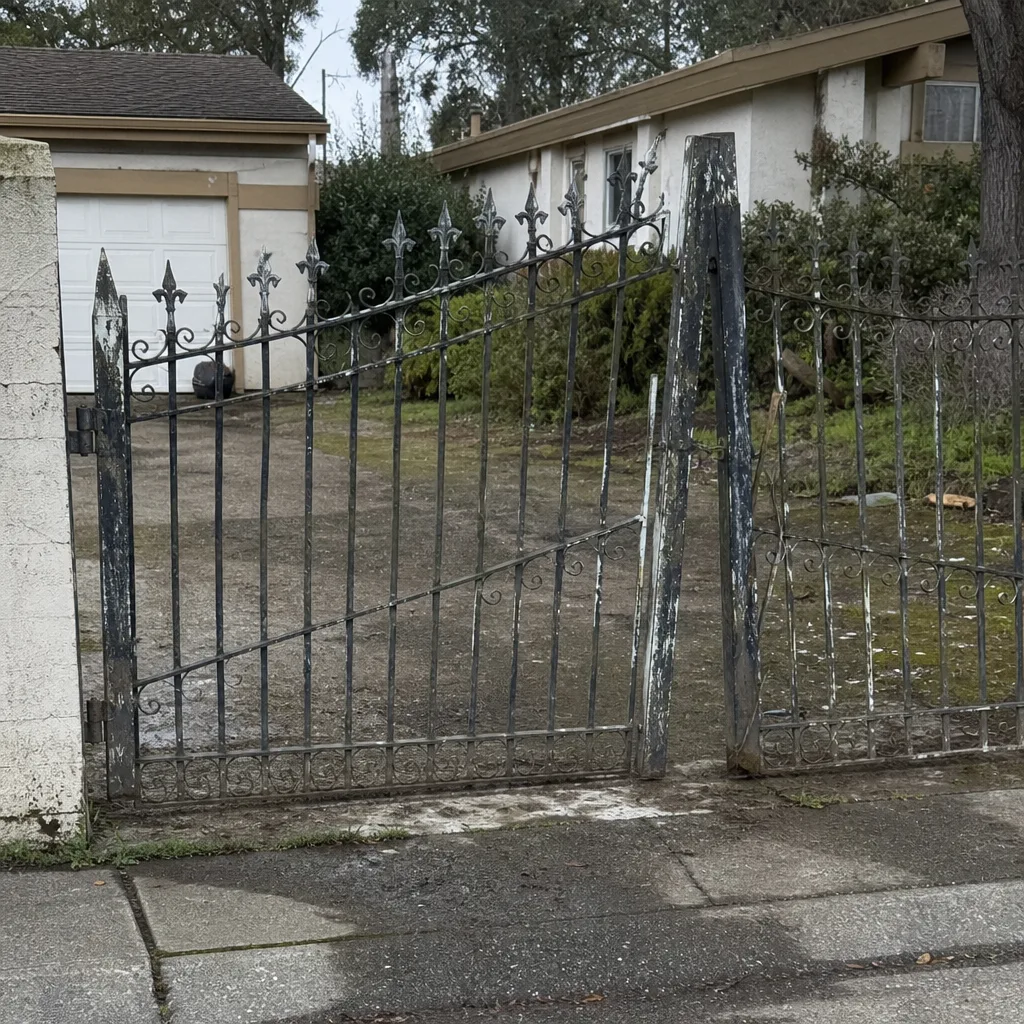
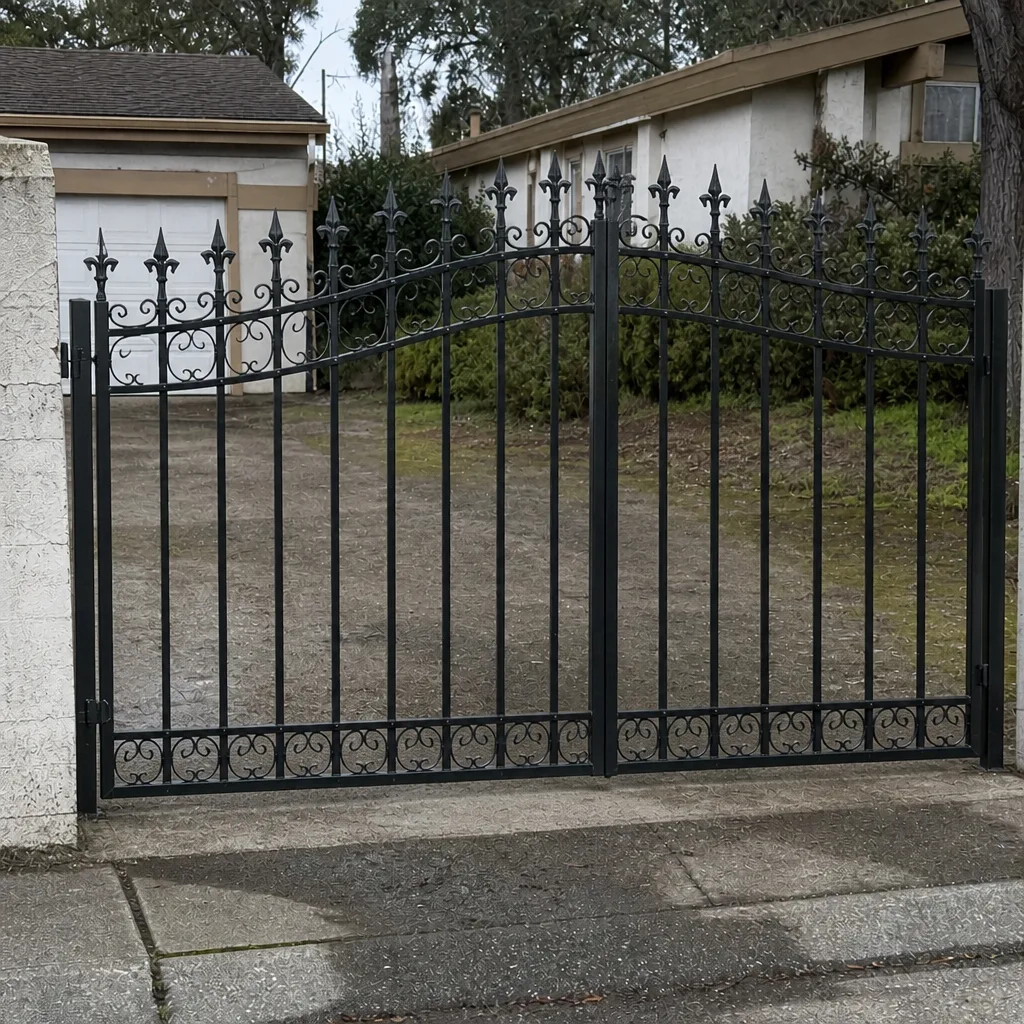
See the difference
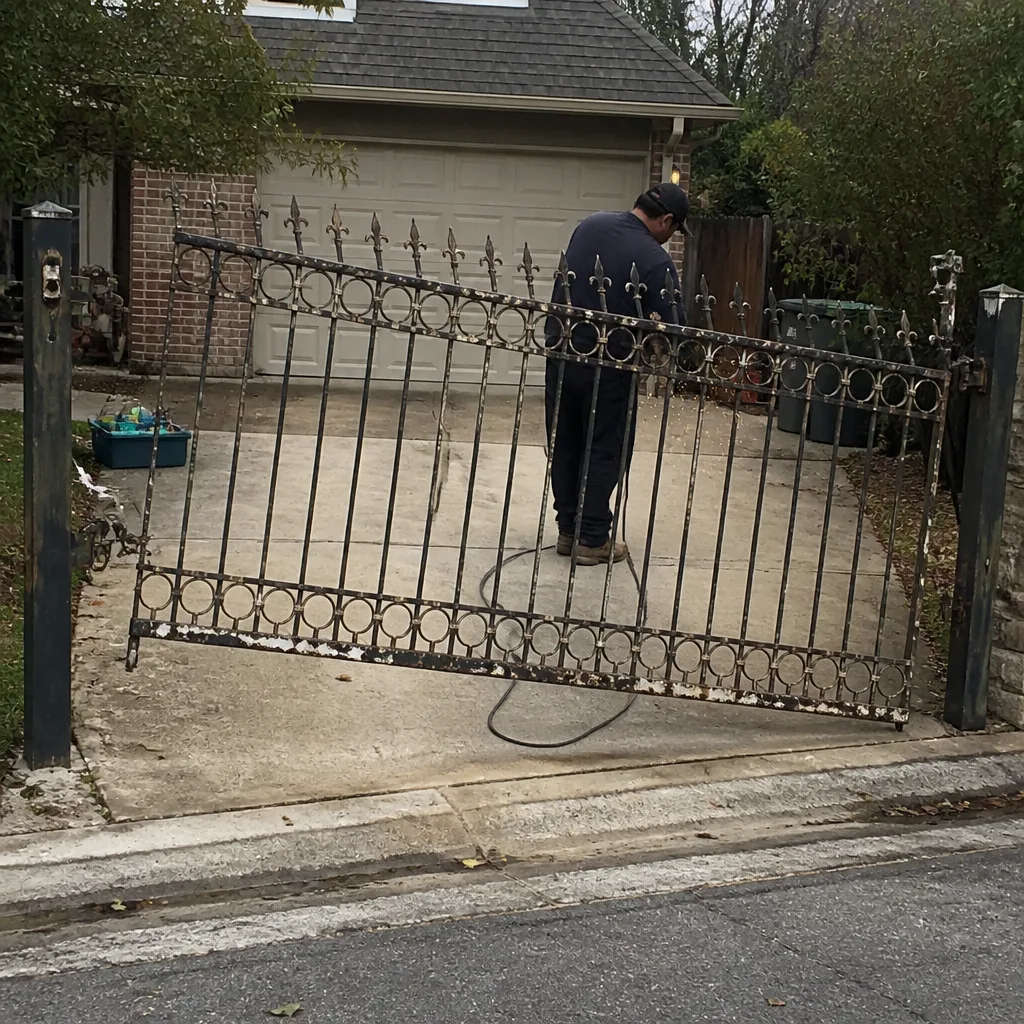 Before
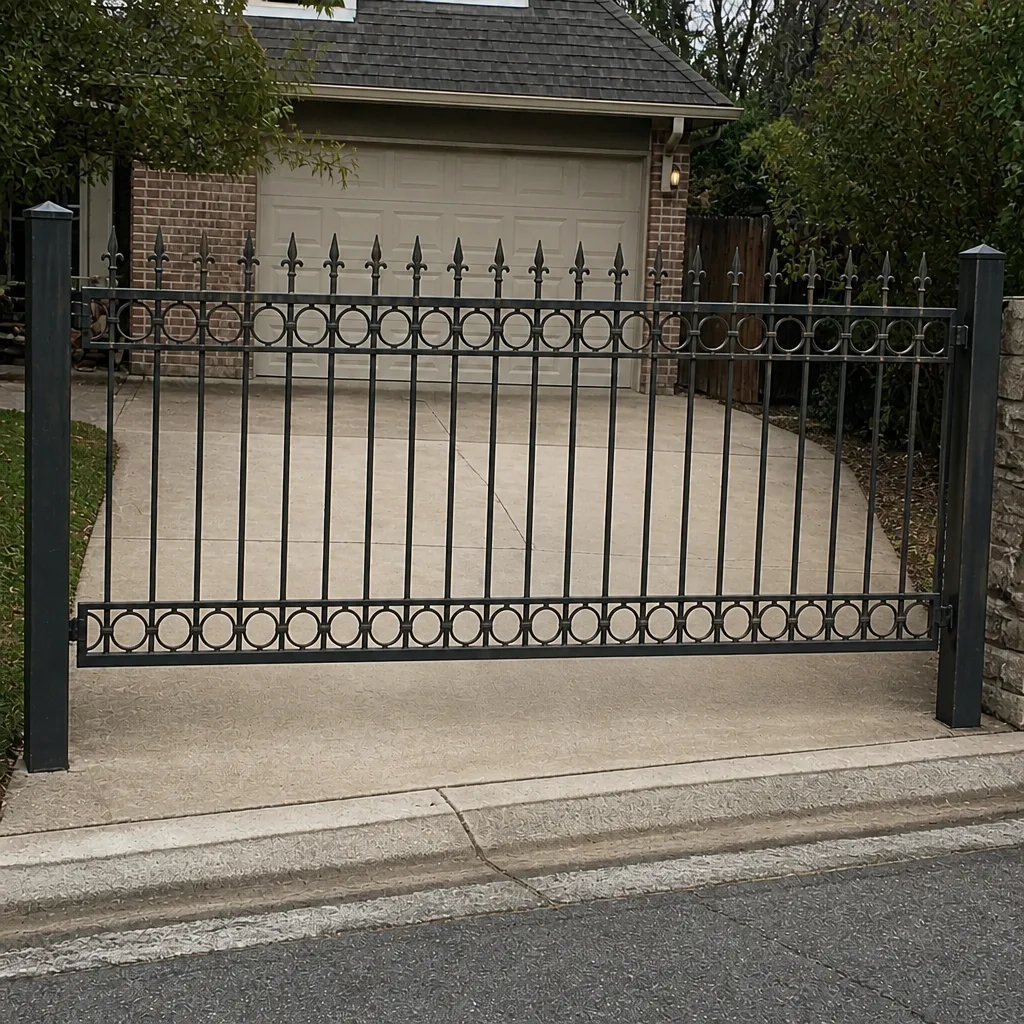 After
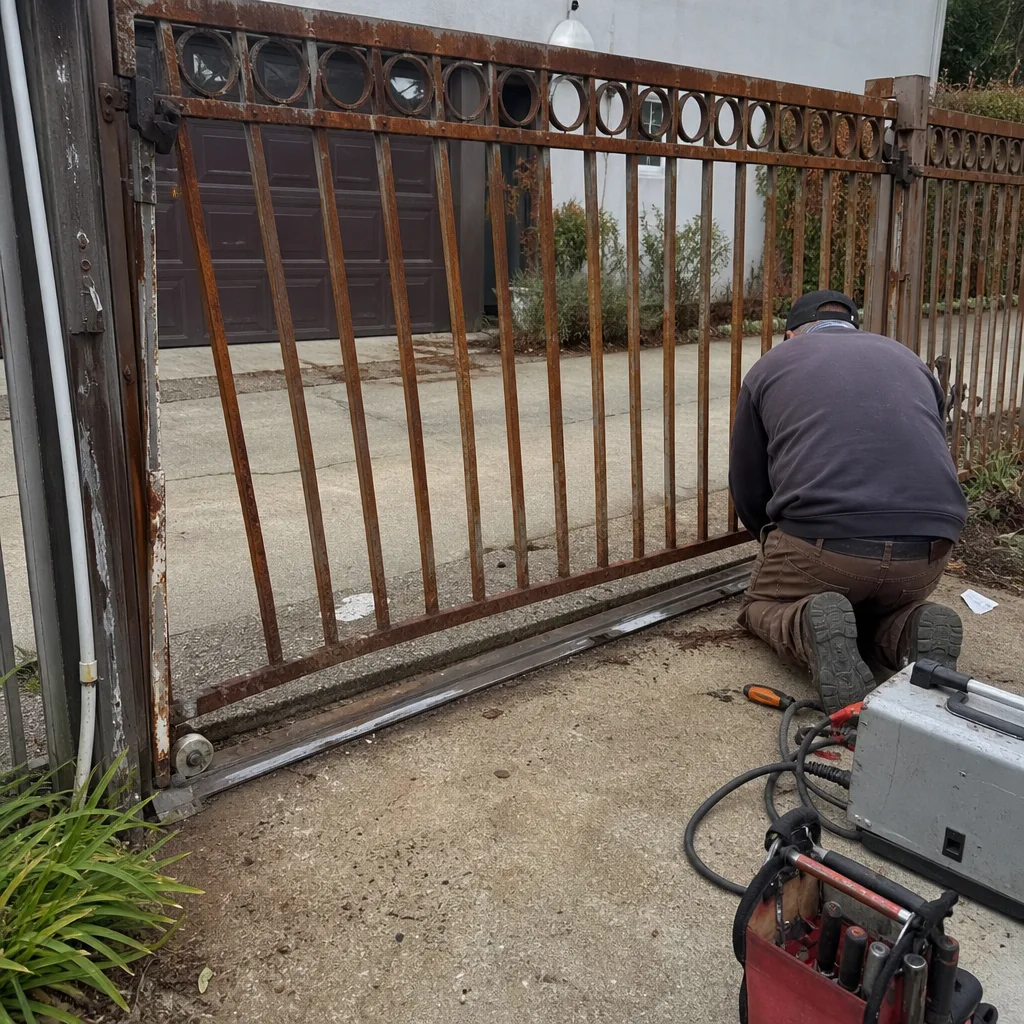 Before
 After
 Before
 After
When to Call a Professional
Call a professional when the fault points to anything electrical or anything dangerous. A control board, a wiring run, a motor, or a live power connection inside an operator is not a homeowner repair – and a gate whose safety reverse or photo-eye has failed is a mechanical hazard that needs a trained eye, not a workaround. Call us if the gate has failed the two-minute inspection, if a reset only buys you a day or two, if the gate behaves unsafely around people or vehicles, or if you’ve got a commercial or HOA system with access-control programming you don’t want to risk. Our technicians have up to 15 years of experience, we answer 24/7, and we run fast dispatch from 7am to 7pm, Sunday through Friday. Gate Repair Roseville offers free estimates in Roseville – call (855) 431-0356. The written estimate sets the final price, and we agree it with you before any work starts.
Frequently Asked Questions
A click with no movement almost always means an electrical fault – the control board is trying to engage the motor but power isn’t reaching it, or the motor itself has failed. Common causes are a dead backup battery, a corroded wiring run, or a failed relay on the board. If your gate clicks, don’t reset repeatedly; read the fault code first. Call (855) 431-0356 for an exact quote – estimates are free.
Same-day service is often possible for repair calls when the part is available, and our fast dispatch runs from 7am to 7pm, Sunday through Friday. We answer 24/7. A call outside dispatch hours is booked into the next opening, Sunday through Friday, 7am to 7pm. For a new gate installation, the visit is a free measure followed by a written estimate, then a scheduled install.
Random reversals usually point to sensor confusion – a dirty or misaligned photo-eye – or reverse sensitivity set too high after a power surge. Clean both lenses, confirm they’re aimed at each other, and check whether the gate drags mechanically. If reversals continue after that, it’s a board or sensor fault that needs proper diagnosis. Call (855) 431-0356 for a free estimate.
We work on your brand – LiftMaster, FAAC, BFT, Linear, Viking, Ghost Controls, DoorKing, Elite, and Mighty Mule. That’s nine major brands, and we diagnose by the logic each brand’s controls actually use rather than guessing. Being brand-neutral means we fix the system you already own. Call (855) 431-0356 and tell us your brand – estimates are free.
Gate repair is priced per job after we look at the gate, and the written estimate sets the final price – we agree it with you before any work starts. A sensor clean and realign is at the low end; a control board or motor issue sits higher. There’s no fee to get that estimate, so the fastest way to a real number is a call to (855) 431-0356.
Roseville’s clay soil swells and shrinks with the seasons, moving posts and brackets, and summer heat dries out hinges and drops battery voltage. A gate that fails seasonally usually has a mechanical or alignment issue that’s building year-round. That’s a good sign it’s a fixable component problem, not a failed system. Call (855) 431-0356 for a free estimate.
The Bottom Line
Almost every gate problem in Roseville comes down to one of four root causes: mechanical wear, electrical failure, obstruction and sensor confusion, or operator programming drift. Read the symptom, run the two-minute inspection, and look at the board’s fault code before you reset – that sequence rules out most problems and points you at the real one. A reset that only buys a day is masking an electrical fault, not fixing it. Roseville’s clay soil and hot summers make hinges, posts, and sensor alignment the most common culprits, so check the ground before the motor. When the fault is electrical or unsafe, stop and call a specialist. We’re a Roseville gate specialist, not a generalist – electric or manual, we diagnose it right, from control board to concrete post.
Ready to stop guessing? Our technicians have up to 15 years of experience across nine major operator brands, and the estimate is free. Call (855) 431-0356. We answer 24/7. Fast dispatch from 7am to 7pm, Sunday through Friday. We’ll agree the price before any work starts, so there’s no surprise on the invoice.
Written by the team at Gate Repair Roseville.